


Money is a timeless challenge while traveling. From exchanging cash in dodgy places to unreliable ATMs, we're now in the digital payments phase. I'm grateful for that. Still, it comes with its own unique problems, as it's always the case.
India, like many other markets where credit/debit cards didn't become ubiquitous, chose to use QR codes. These 2D high-contrast pixelated images, used in automotive factories, are ideal for markets where everyone has a smartphone and mobile Internet. The latter only became true after 2016, once Jio introduced a cheap 4G network in India.
 Piotrek Bodera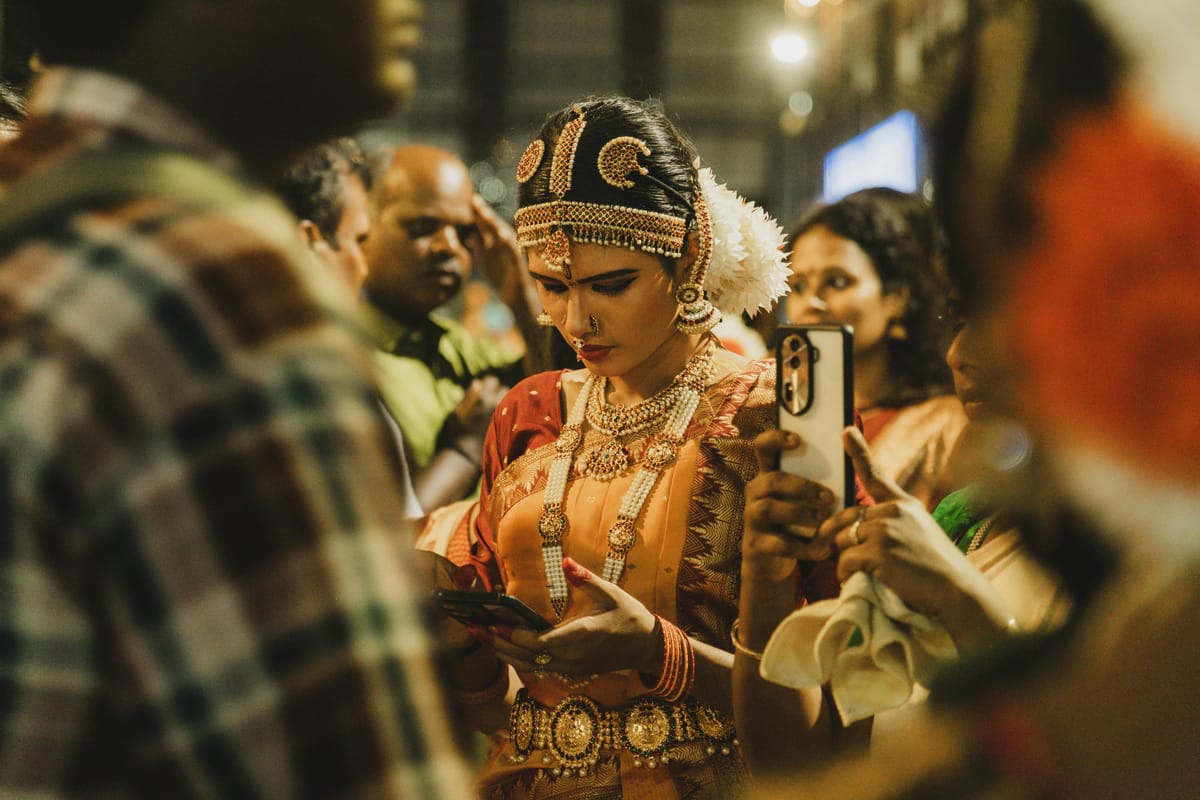
How can nomads join the UPI One World?
I don't just read about how the Unified Payments Interface (UPI) became a success. I want to use it. To experience it on my own. So I did my research and installed PhonePe. The Indian payment app with many positive reviews and a good user interface.
Only once I landed in India, I realized that I'd need an Indian bank account to use PhonePe. After further conversations with Perplexity, I learned that Cheq is designed for travelers who are willing to use UPI One World. This initiative allows setting up the account based just on your passport and visa.

In-person or digital Know Your Customer (KYC)
Cheq's website and app interfaces aren't impressive. The same goes for their available documentation. My research indicated that I'd need to reach out to Cheq support via WhatsApp and schedule their agent's visit to my hotel to verify my passport and visa.
 Piotrek Bodera
We participated in India in a traditional wedding. Therefore we had a busy travel schedule. Arranging such a visit would be very inconvenient. Luckily, I noticed their App Store changelog mentioned a digital KYC.
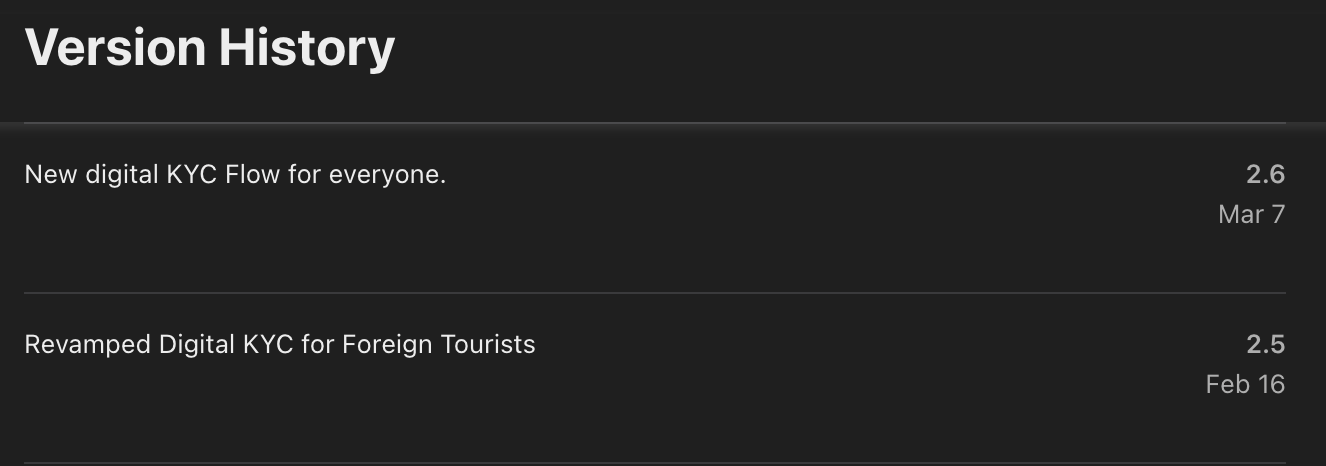
Indeed, within the app, I could scan my documents and take a selfie. Other finance apps usually use a third-party ID verification like Persona. With Cheq it looked like a regular photo-taking flow and submitting them. They finished the manual verification the same day.
"Your PIN has been compromised"
A Cheq notification with such wording popped up on my phone. I didn't set up any PIN, so I reached out to support. They kept repeating that my PIN is my iPhone's Face ID, something I haven't set up as well.
I checked all options in the app and found a way to reset the PIN. But to do that, I needed to verify my email. Registration never included that requirement. So the email address that showed up was:
******ra@gmail.com
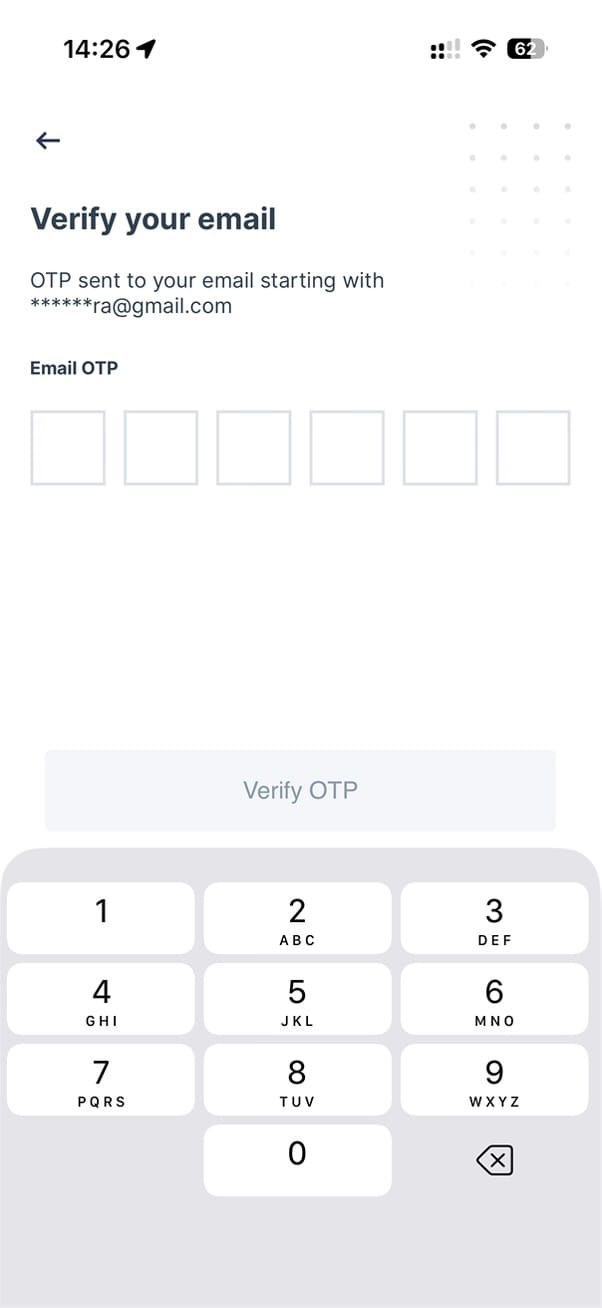
Scams, phishing, and social engineering are things I'm very aware of. Hence, this presented itself as a textbook scam.
- Register a new account by providing sensitive data.
- Receive a suspicious notification.
- Discover someone else's contact details in my account when resetting the credentials.
On WhatsApp, I kept asking Cheq support what that is and how I can change it to my email, but I never got a sufficient answer.
Confusing UPI payment flow via Cheq
Usually, after the above experience, I'd delete the app and block any access it had to my data. Here, I thought: what if a developer hard-coded their Gmail address in the app? Maybe that was to avoid issues with email registration, as most Indians use their phone numbers to log in.
This time, I skipped this unpleasant introduction. I wanted a hundred-rupee drink from a gym on that day. Such a low-value transaction was a good test. The payment flow was like this:
- I scanned the merchant's QR code.
- Typed 100 INR.
- Since I didn't top-up any money earlier, the app showed 103.5 INR amount required (including the 3.5% card payment fee).
- This is when Cheq displayed the pop-up to allow Face ID to be used to confirm payments.
- Razorpay, the payment processor, web view screen appeared showing local and card payment options.
- After a few seconds, the black Apple Pay button showed up.
- I authorized the top-up.
- The confirmation of the successful transaction appeared full-screen.
However, the gym didn't get my money. I went to their office and showed them my screen. These transactions should be immediately visible on the receiver's end. But something was incorrect.
I exited the transaction screen and noticed that the money was still present in my Cheq app. Tried to check the history and restart the app, but the 100 INR was still there.
This is when I noticed that the transaction confirmation was about the top-up. Not about the payment to the gym. So I scanned their QR code again, and this time the money arrived.
Unfortunately, this broken flow repeated every time I made payments. Cheq specifically says that I can top-up any amount and withdraw unused funds. Considering all the issues I had already encountered, I didn't want to give them more money than the exact amount needed for a transaction.
Apple Pay button delay
Paying with my iPhone is my go-to method everywhere. Since Cheq is a finance app, I'd expect them to support Apple Pay. And their payment processor, Razorpay, does it, but awkwardly. Every time the top-up web view appeared, the regular payment methods were listed. Seeing that, users may have selected one of the visible options. Yet if you wait at the initial screen a few seconds longer, the Apple Pay button finally shows up.
It would've been better if this vital option for Apple users showed up together with all other methods.
Paying for goods and services with UPI
After the initial hiccup at the gym, I learned how to approach Cheq. Most times, it worked fine. You might encounter two situations as well.
Cheq works only with merchant QR, not with personal QR UPI
We went for a massage session at a nearby studio. After selecting our packages, I attempted to pay for everyone, as my friends weren't as patient to complete the Cheq registration. The massage studio clerk showed his phone with the QR code, but after scanning, my phone displayed a notice that I can't transfer funds to another UPI user.
I showed it to the clerk, who scrambled around his desk and found a small stand with their company's QR. This transaction went seamlessly. It's unclear if the clerk tried cheating to get the funds into his personal account. Still, the inability to send funds to non-merchant users aligns with the public documentation.
Some merchant QR codes are better than others
The other situation when my Cheq couldn't transfer the money happened in a supermarket. Many customers waited in line. All of them scanned the same QR to pay, and it worked. Yet my funds couldn't be sent, showing a generic error: The receiver's bank can't accept this payment.
After trying several times, I showed the error to the clerk. He then pulled up another QR stand, this time branded by PhonePe, the better UPI app I read about. With it, the payment went swiftly.
Was the first QR stand clerk's personal QR instead of a merchant QR? Or is it just the UPI system rejecting some apps/users? Hard to say.
Summary
Despite all the challenges, I enjoy the dynamic development of QR-based payments. Visa and Mastercard have too much control, so it's great to see so many countries adopting their own smartphone-based solutions.
Furthermore, thanks to UPI One World, nomads visiting India can pay like locals. Just keep in mind that it feels like a public beta. Cheq seems to be the first UPI app to target non-residents, and only now released the digital KYC. The app's user experience is questionable, so I can't wait for PhonePe and others to welcome nomads.
What's your QR payment experience in India or elsewhere? If the setup is too complex do you stick to cash? Or do you have other solutions?
Reply and tell me what you think. I strive to respond to every comment, and I'd love hearing from you.
See you next Tuesday.


Discussion